Find the keepers, fast.
The shoot is over quickly. Culling the thousands of frames it leaves is not. Seula is built for exactly that: to make the cull smooth, and even enjoyable.
Free for personal use. Requires macOS 12 or later.
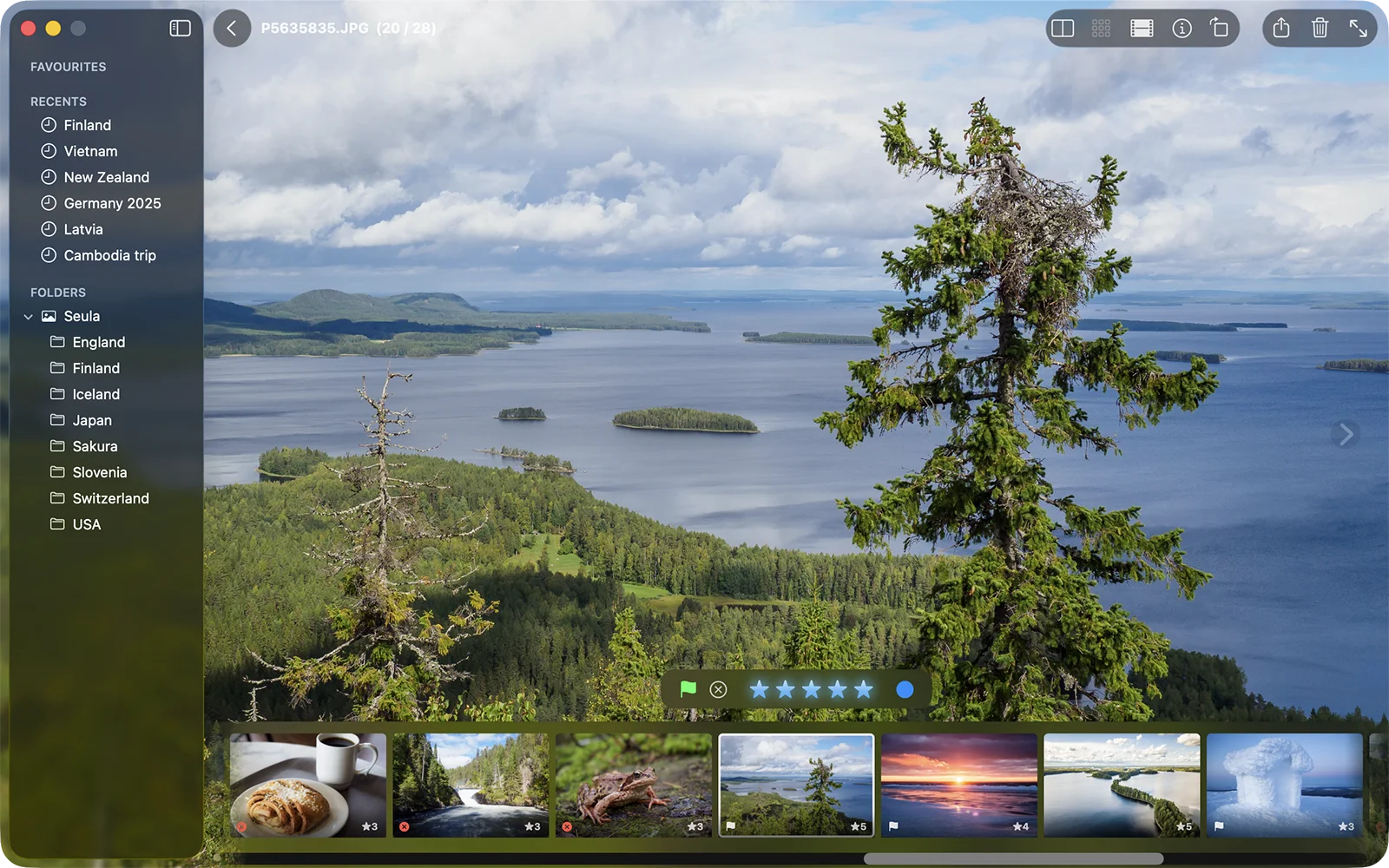
Seula is not a photo editor or a library manager. It is what you use before them, and the marks made while culling carry straight into Lightroom, Capture One or anything else that reads XMP.
Large, mixed folders
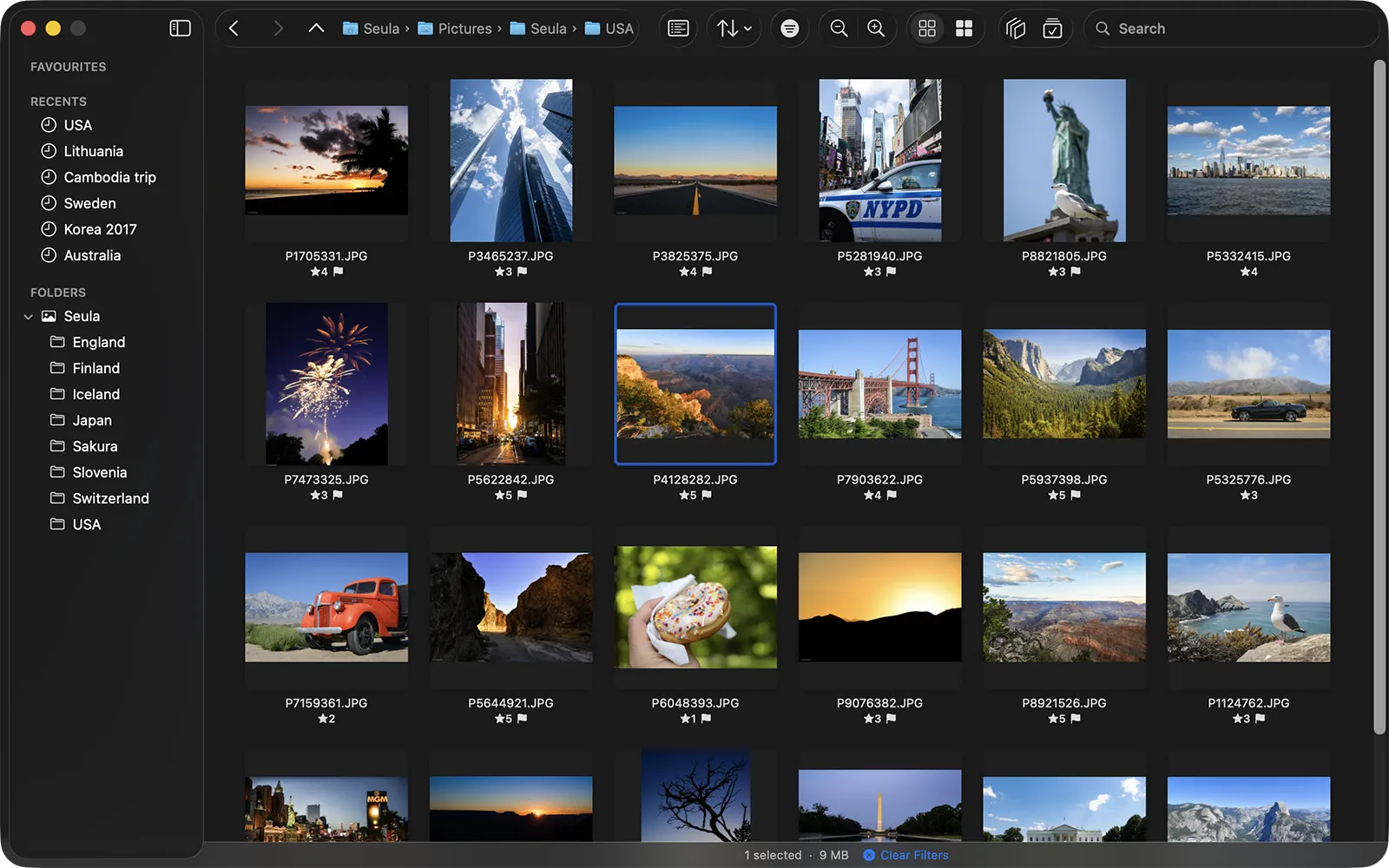
Seula opens a folder straight from disk: no import, no library. Thousands of frames, bursts and RAW+JPEG pairs stay responsive, and each pair reads as a single photo.
A burst is one card, not a hundred frames
Consecutive frames are grouped into a stack by capture time and by image content, so a burst reads as one card. Burst Review then steps through the stacks: pick the keepers, and the rest are rejected in one undoable action. Bursts and stacks →
Checking sharpness
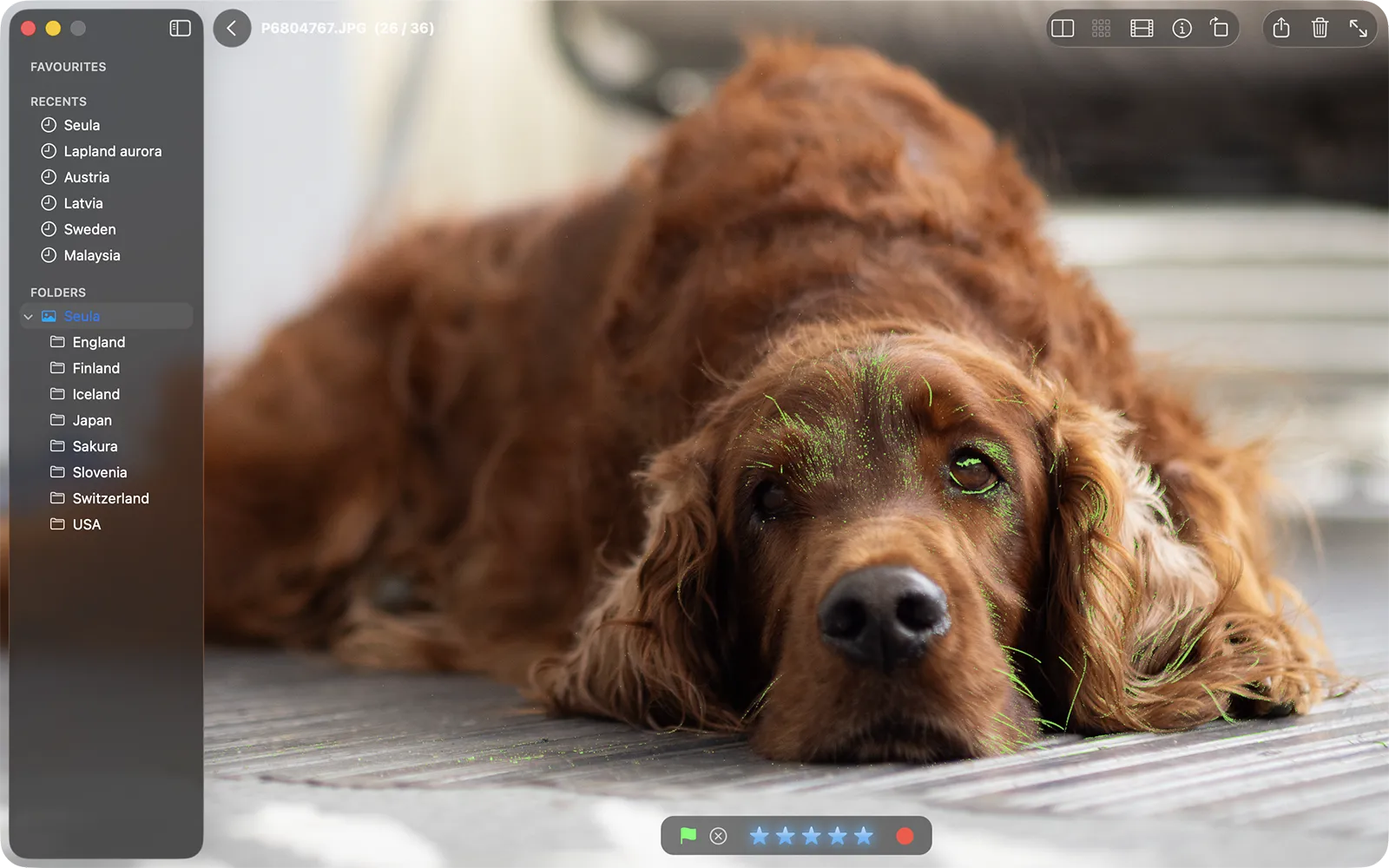
Zoom in as far as the detail requires. Focus peaking marks what is sharp, and autofocus point overlays show where the camera focused. Focus peaking →
When frames are nearly identical
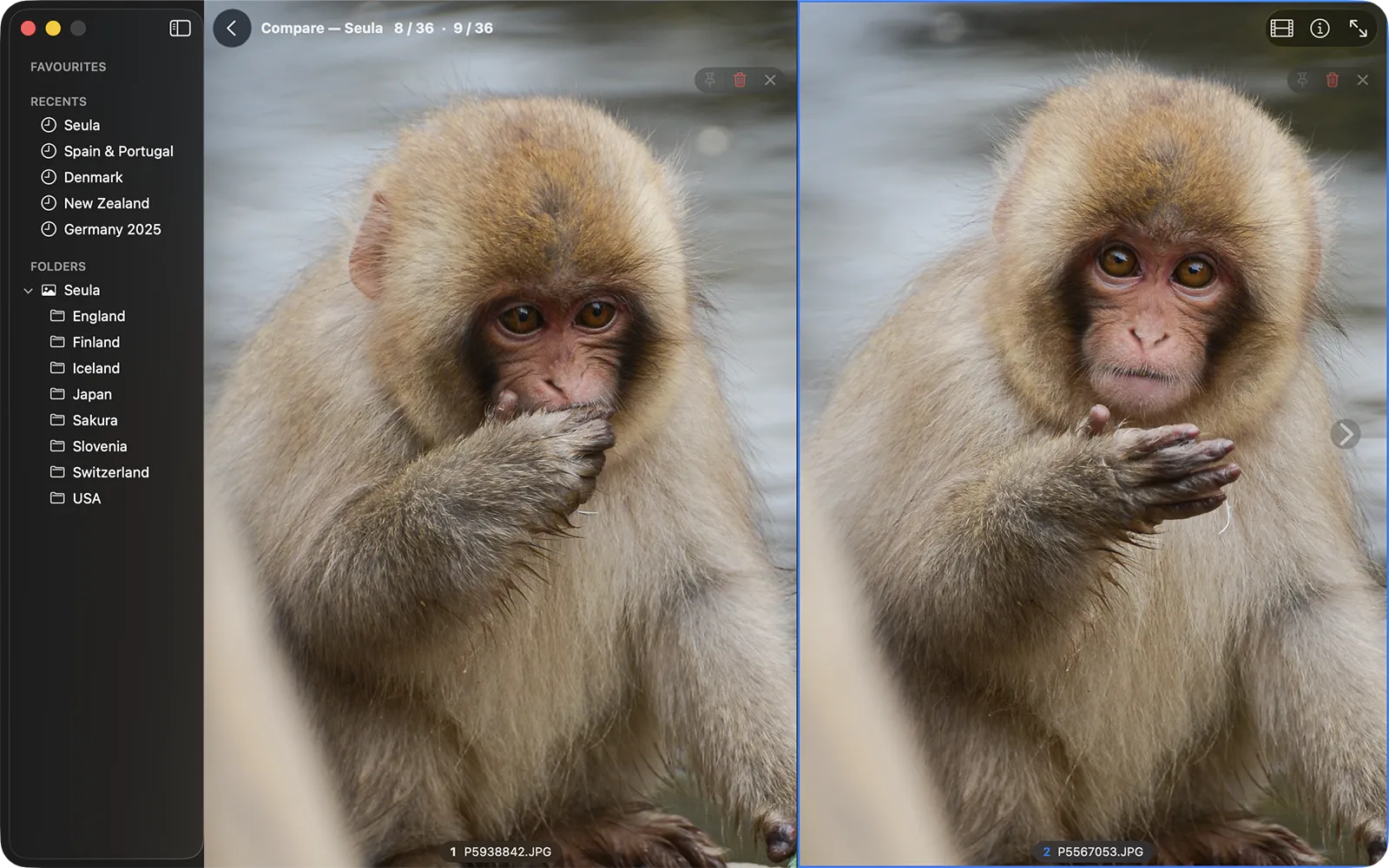
Survey lays out a burst at once, so the obvious misses go quickly. Compare puts the rest side by side, and Blink Compare switches between two frames at the same zoom and position. Survey and Compare →
Your marks travel to the editor
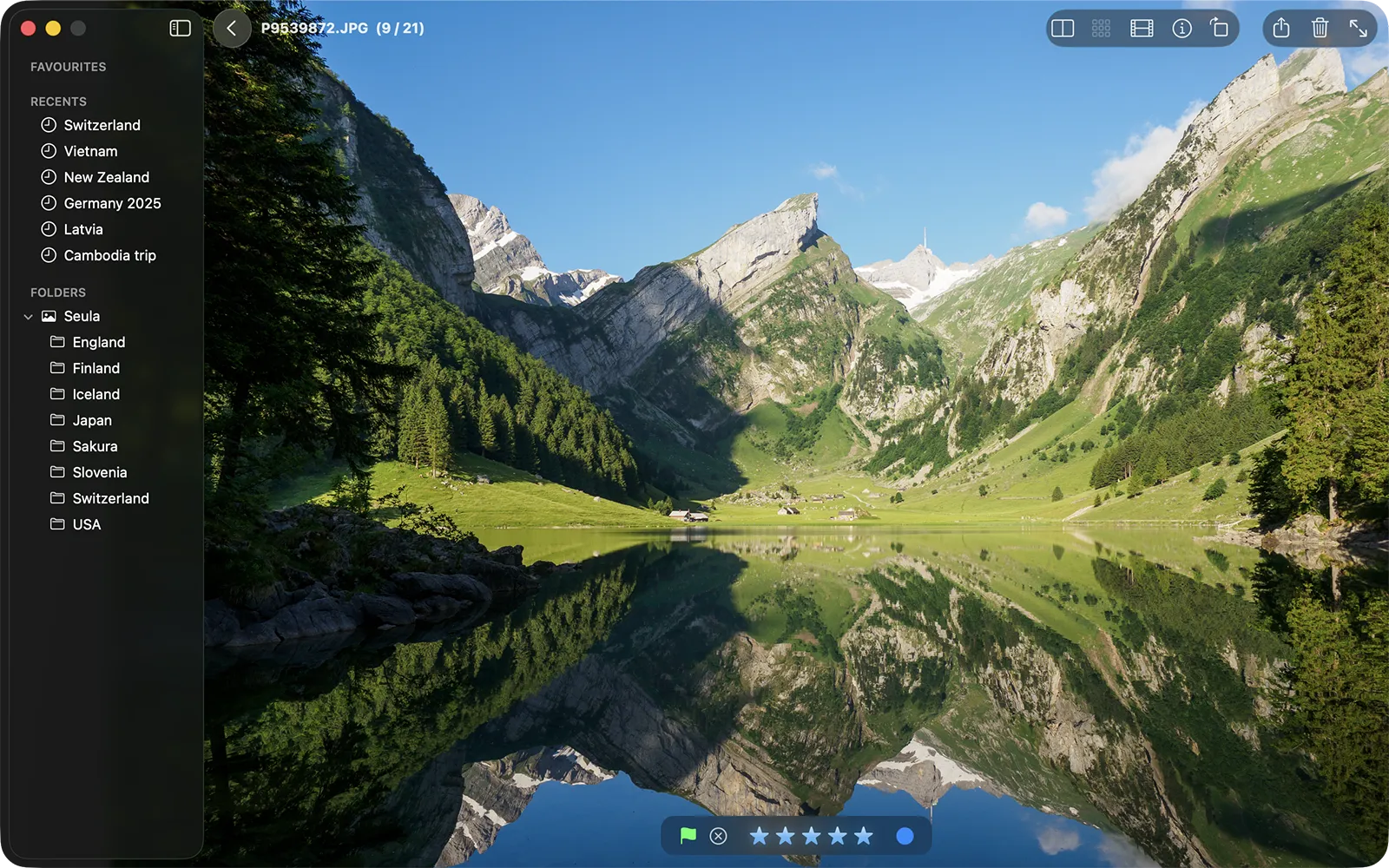
Stars, color labels and pick or reject flags are written as standard XMP, which Lightroom, Capture One and other XMP-aware tools read. Batch renaming gives the keepers consistent names when you are done. A Live Photo or a JPEG+RAW pair is renamed, moved and deleted as one item, so nothing is left orphaned. Metadata and compatibility →
HDR photos as they were captured
Gain-map photos and Canon and Sony HEIF files are shown at full brightness on a display with the headroom for it, so the brightest parts rise above white. Tonal-range warnings mark blown highlights and blocked shadows on the image itself.
- RAW files
- Canon, Nikon, Sony, Fujifilm, OM System and Olympus, Panasonic, Pentax, Leica, Hasselblad, Phase One, Sigma and others
- Other formats
- JPEG, HEIC, PNG, TIFF, DNG and practically every other image format in common use
- Requirements
- macOS 12 or later. Universal: Apple silicon and Intel
Non-destructive, and private by design
Seula never edits your pixels. Your RAW files are never written to at all: stars, labels and flags go into a standard .xmp sidecar beside them. Files are renamed or moved only when you ask. No accounts, analytics, telemetry, uploads or server-side processing.
Every feature, no limits, no trial, and not a thing locked behind a paywall.
Every feature is available. The Mac App Store version offers an optional professional-use purchase through Apple.