 Seula
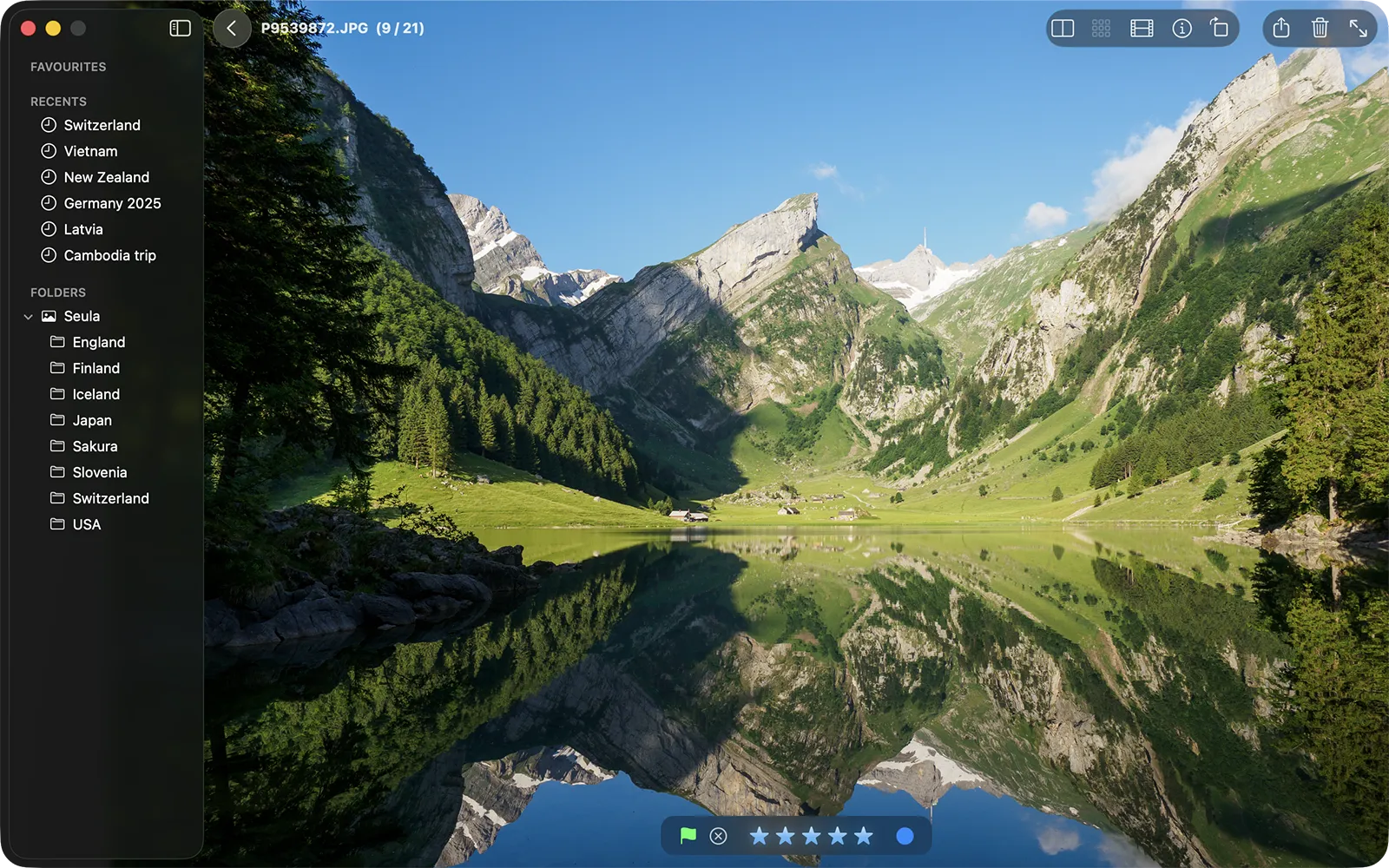
SeulaChoose Seula if you want to
- Browse image folders without importing them
- Review RAW and JPEG shoots from the keyboard
- Compare similar frames and check critical focus
- Carry ratings into XMP-aware photo editors
From FastStone to macOS
FastStone distributes Windows installers and has no native Mac release. Seula covers its photo browsing and culling workflow, including ratings and visual comparison.
Where Seula stops: It does not include FastStone's editing, conversion, capture, printing or slideshow tools.
Your workflow
Feature comparison
FastStone combines many image tools. Seula concentrates on reviewing a shoot.
| Feature | FastStone Image Viewer | Seula |
|---|---|---|
| Platform | Windows | Native macOS app, macOS 12+ |
| Primary job | Viewer, organizer, editor and batch converter | Photo browsing and culling before editing |
| Camera RAW | Wide built-in camera format list | Uses the RAW decoders included with macOS |
| Ratings | Stars and tags stored in FastStone's database | Stars, color labels and flags stored as XMP |
| Visual comparison | Up to four images side by side | Compare and Survey modes with synchronized inspection |
| Editing and batch tools | Included | Not included |
| Personal use | Free for personal and educational use | Free |
Our take
FastStone Image Viewer is a much broader program. If you rely on its editing, batch conversion, screen capture, printing or slideshow features, Seula will feel incomplete.
Seula makes sense when the job ends at choosing photographs. It adds focus peaking, autofocus point overlays and portable XMP decisions, then leaves editing to Lightroom, Capture One or another editor.
Product information reviewed July 23, 2026.
Seula is an independent product and is not affiliated with or endorsed by FastStone. Product names are used only to identify the products discussed.